Reimagining XR Interfaces Beyond 2D Screens
Orbit UI is a speculative OS-level interface concept for XR. It explores how information might respond to surfaces and distances based on user’s activity and attention. Shifting from current XR UI logic of floating panels towards a system connected to its surround environment.
01The Question
How might we use space as part of the interface not simply as a larger canvas for screens?
I began with a simple discomfort
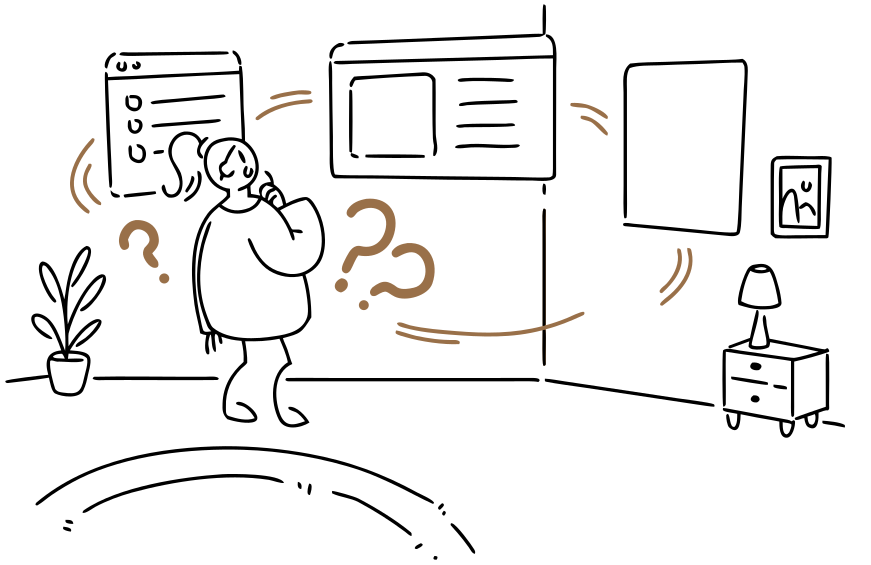
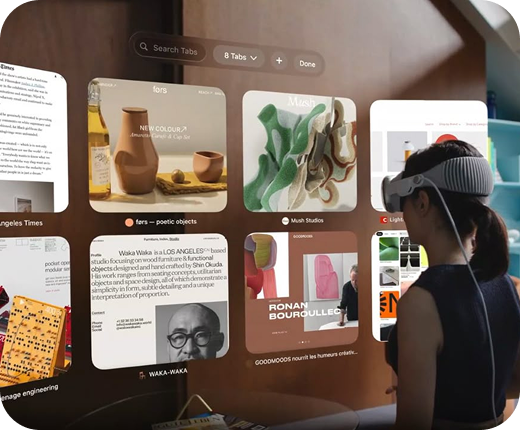
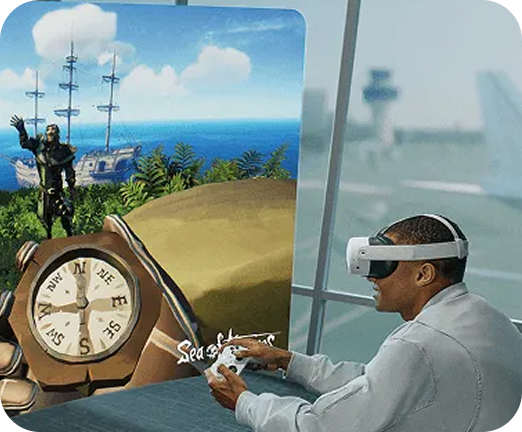
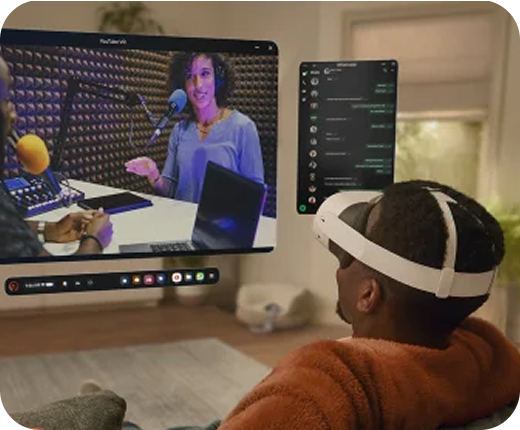
When I first looked at current XR interfaces, I notice that much of the content still came directly from computers and phones.
In XR environment, the windows were larger. They could float, resize, and move freely around the user. However given those capabilities, the interface still followed familiar screen-based logic.
At first, I couldn’t clearly explain where exactly needed to be changed to fulfill this incompleteness.
Still, I kept wondering if there is a way to further push current way of UI/UX in XR beyond displaying more screens.
That question became the starting point of Orbit UI
02What I Observed
At first
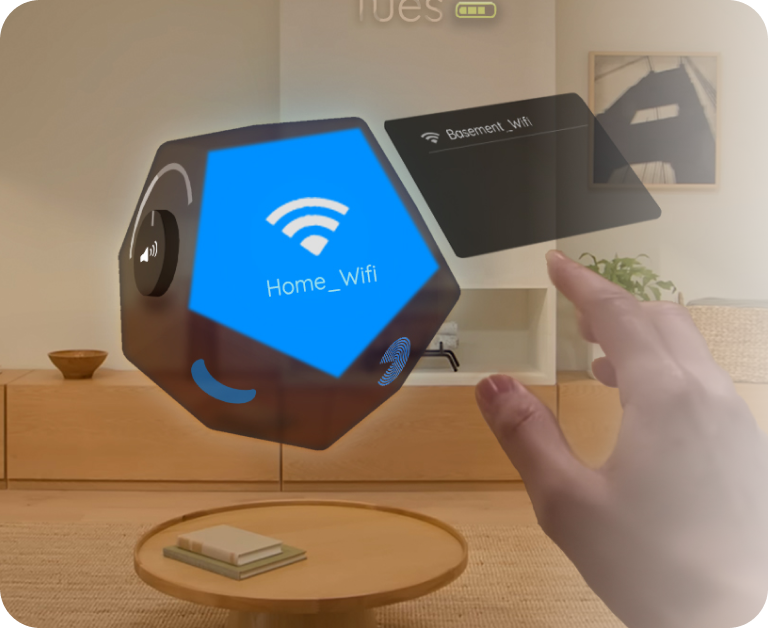
I believed all UI should leave the flat screen.
If we are in 3D environment, I naturally thought that maybe the interface should be too.
I imagined every panel becoming a physical object where I can walk, and play around.

However
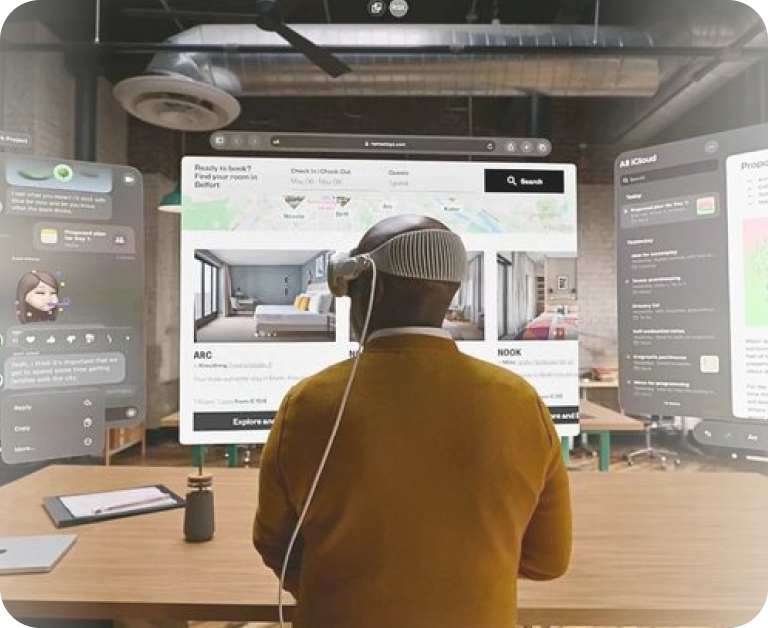
Flat surfaces were doing important information work.
During my research, I discovered that the classic UI panel and layout are designed in such way for efficiency of scanning info.
They are critical in preserving clarity, and as people familiar the 2D layout, it also reduces cognitive load when reading.
That changed my direction
The real opportunity was not in 3D panels, but space.
When people uses information its often used towards their space where they are living in.
We anchor information to environment, how it relates to me, and how that relationship can shift over time.
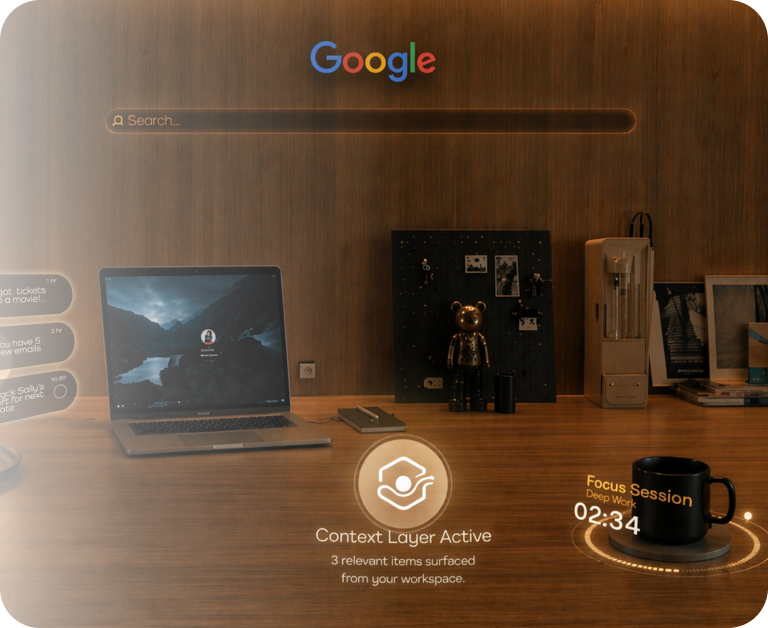
The opportunity was not to abandon the panel.
It was to give the panel a relationship to space.
Information needs clarity and spatial relationships need intention. When both are present, the experience feels grounded and effortless.
03The Hypothesis
If users can define where information belongs in the environment, then XR interfaces can remain clear while adapting to personal space.
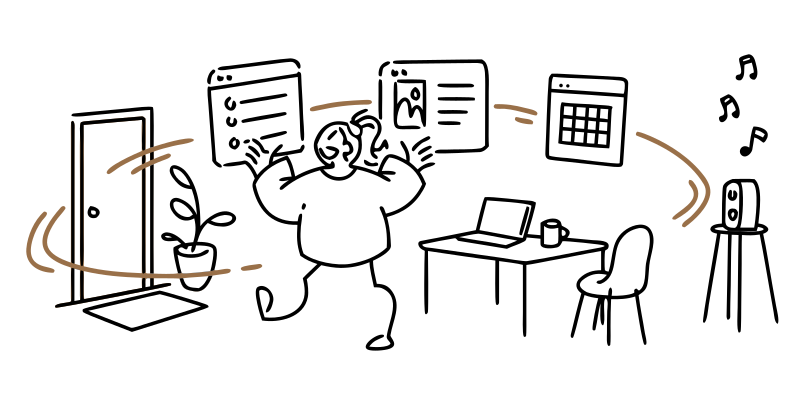
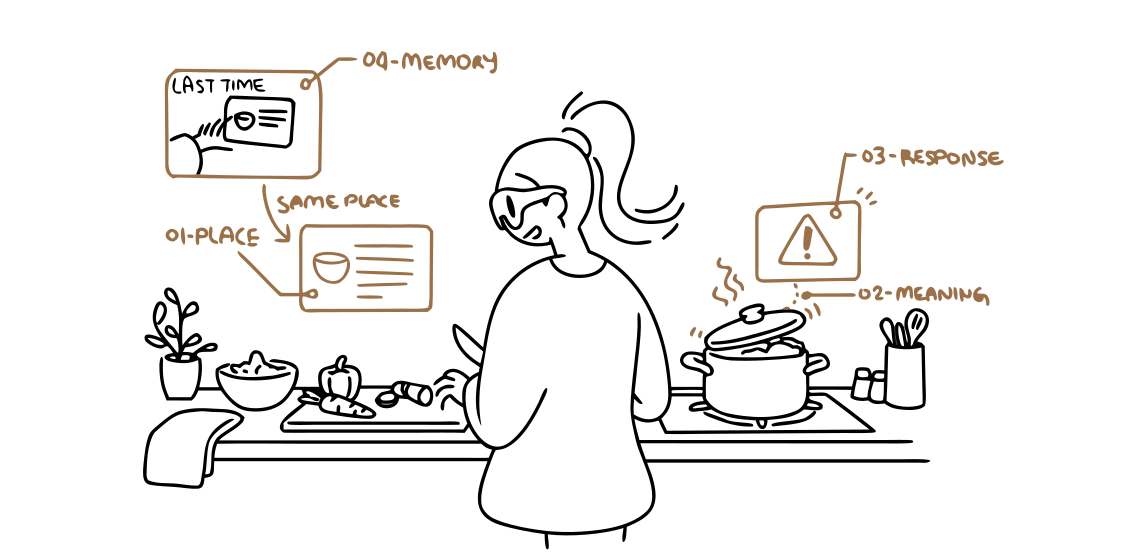
To turn this hypothesis into a system, I defined four principles for how information could relate to people and space.
04Four Spatial Principles
SpatialSpace Principle
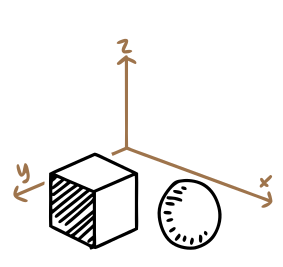
In an environment, people should be able to define how objects occupy and relate within the designated space.
MeaningSemantic Principle

Objects has their relationships to another, where these connections make purpose clear.
ResponseBehavioral Principle

As some objects could change its state over time, information should reprioritize when conditions change.
MemoryCognitive Principle
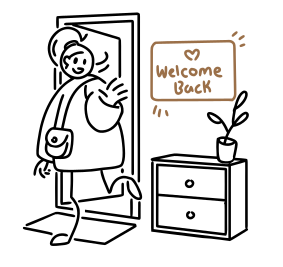
When user creates a setup, this stored information should be memorized in a familiar place.
How they work together
05Three Gravity Modes
A spectrum of spatial attachment
Based on the four principles, I then created a concept where “gravity” could be a toggle system.
Gravity under this environment is a metaphor for how strongly information is tied to space. These are not three separate systems, but three states of the same interface.
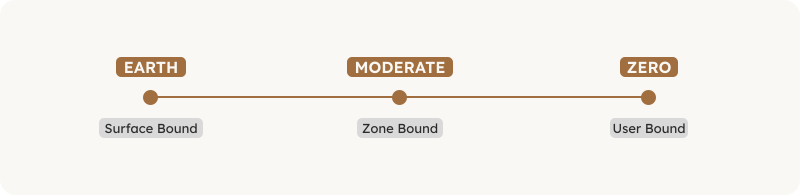
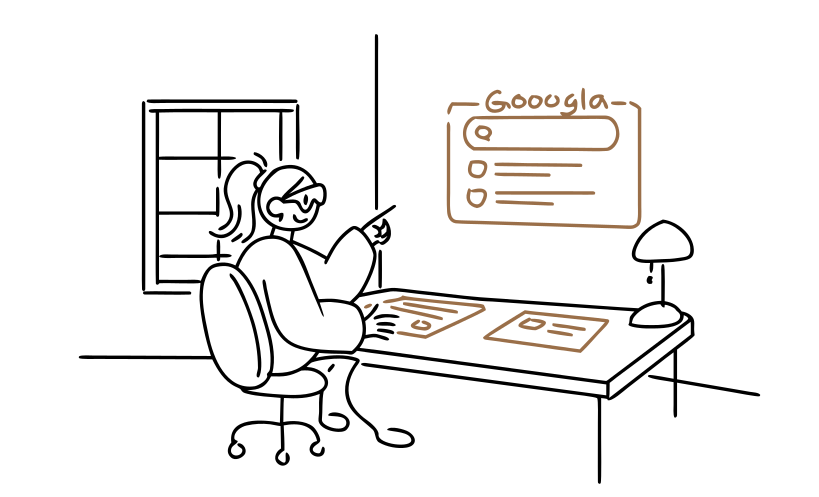
Earth Gravity Mode
Interface locks on real-life environment surface and stays where it’s been placed.
When user needs to do focus, panels will settle to nearby surfaces and will remain in the same place instead of following around.
Under this mode, all interface position are centered around providing lowest distraction.
Therefore they mimic the real earth gravity, and controlling hand gestures moves interfaces under pixel target.
“You can now place all your web tabs around you by group and importance. No need to click and your desk is your canvas!”
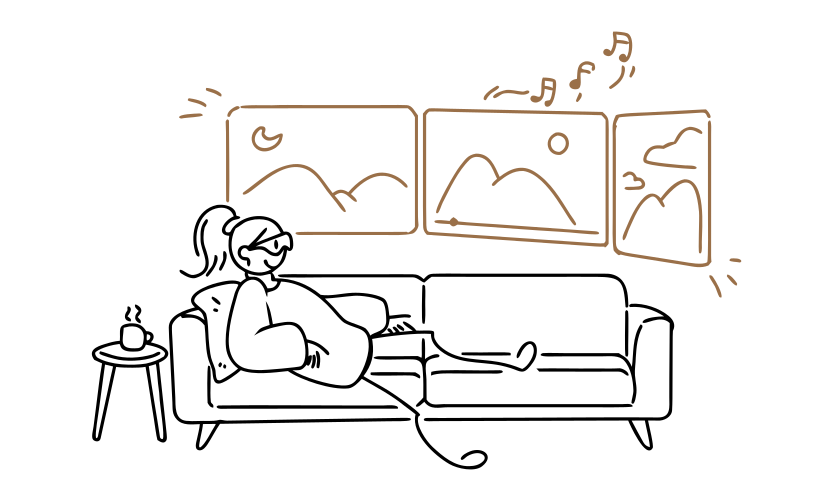
Moderate Gravity Mode
Interface attaches to set orbit and follows user’s eye-sight when they moves.
For regular multitasking, user can define an area where they wants the panels to live.
They are most identical to how current panels live in XR environments.
Where they follow the sight and delay while keeping their relevant arrangement in their set orbit.
“Best for chilling and relaxing entertainment at home.”
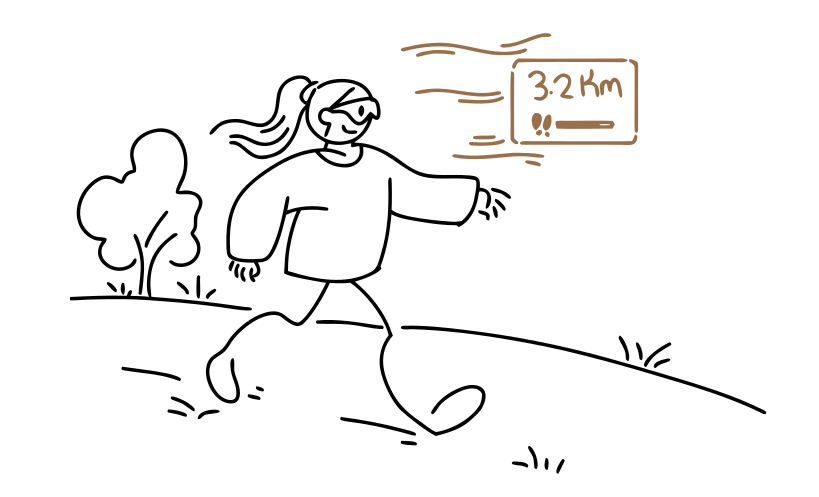
Zero Gravity Mode
Interface moves to wherever user wants and don’t attach to any orbit or surfaces.
For fast or immersive moments in XR world panels detach from all constrains and only responds to under’s gesture or gaze.
They can gather, expand or disappear freely as needed with customized hand gestures.
When user are not in their default environment, this will come in handy as interface can appear anywhere needed.
“Navigate and search real-time on outdoor by minimal gaze and gestures!”
Early Explorations & Thesis Book
Visually, I explored 3D forms and mapped interactions rules before settling on the current system.
Form explorations
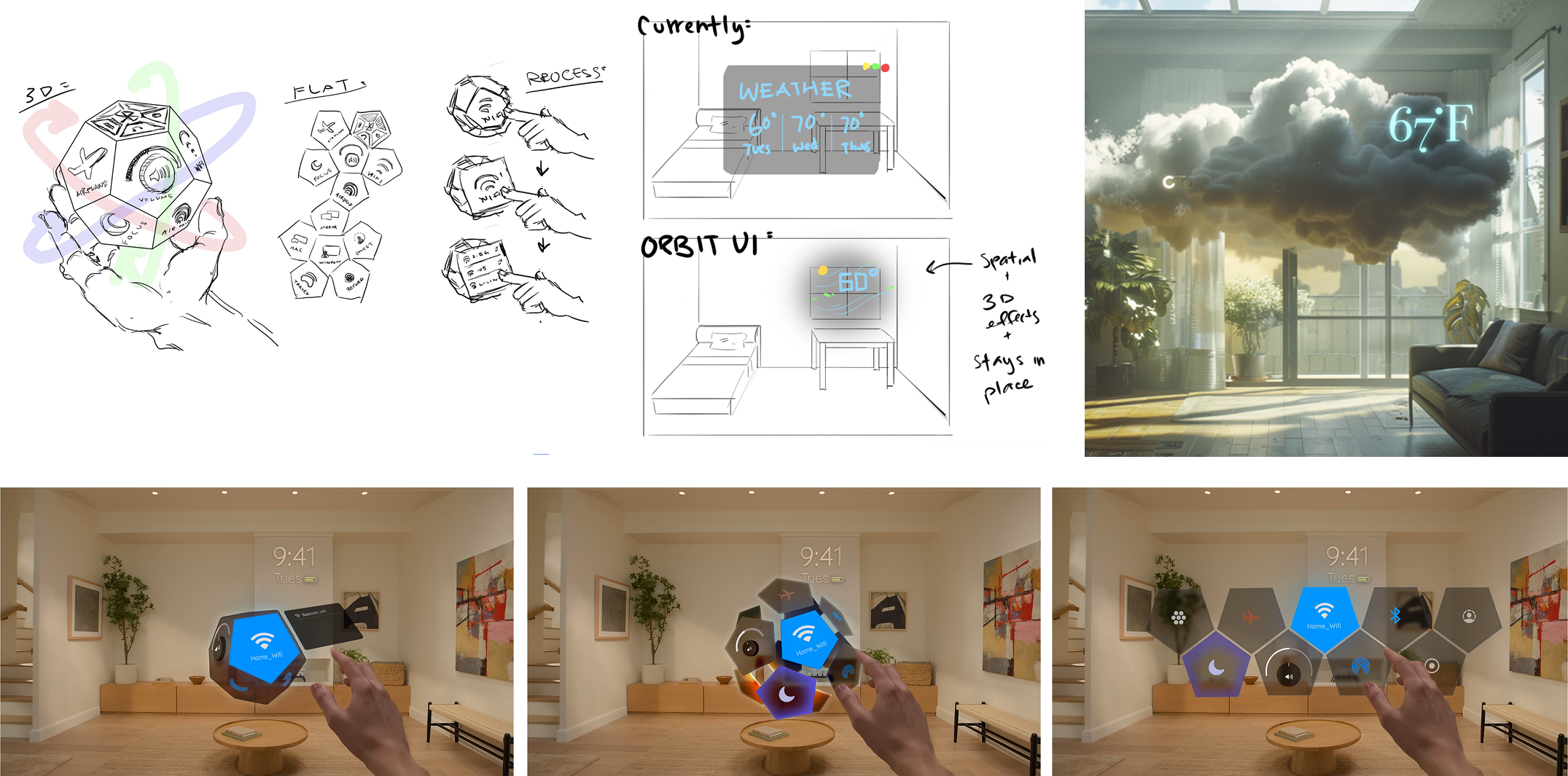
I first explored interfaces as objects, then shifted toward to exploring where information belongs instead.

Orbit UI – Thesis Book
Includes selected early studies and full research, some ideas was changed as the concept continue to be developed.
System explorations
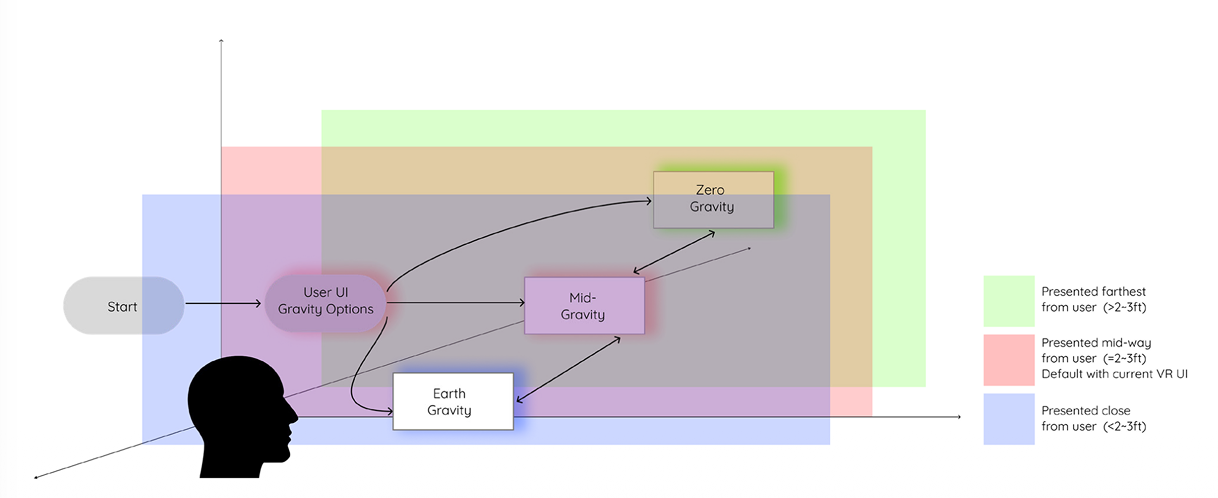
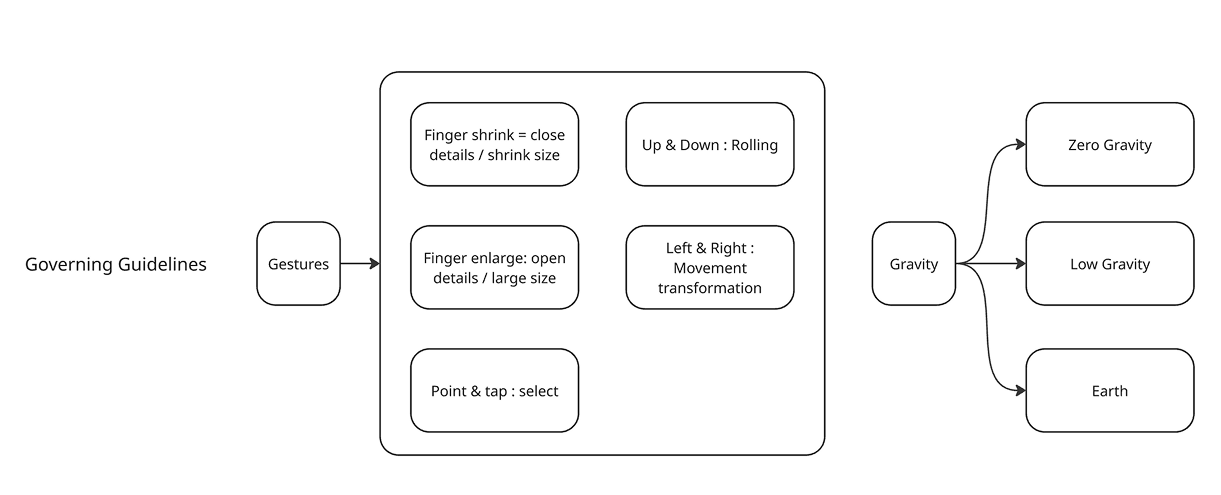
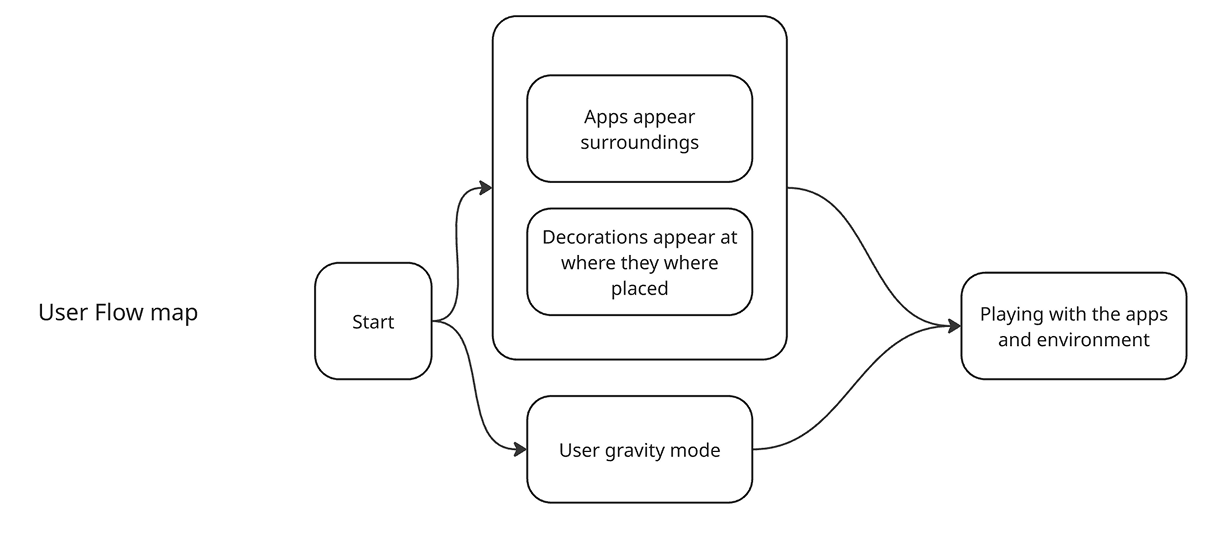
For system designing, I mapped out user experience flow map and gestures to explore how system would behave.
06Open Questions & References
Though, there are still remaining questions. The prototype helped me define a possible spatial logic, but also reveals four in depth questions.
- 01
How much control should users have, and when should the system adapt on its own? Too much freedom can become excess work that takes agency away.
- 02
How can the system support different levels of spatial memory and motion sensitivity? Some people may found benefit from stable spatial anchors, while others may still prefer familiar flat panels.
- 03
What should the system be allowed to remember about a user’s gaze, habits, and home? Personalization depends on sensitivity behavioral data, so memory needs clear limits and consent.
- 04
Technically, could persistent spatial interfaces work without excessive tracking, processing, or battery use? Environment mapping, stable anchors and adaptive behavior are beyond scope of visual prototypes.

References
- “Accelerating the Path to the Future of Work with Oculus for Business | Meta Quest Blog | Meta Store.” 2020. Meta.com. Meta Newsroom. 2020. https://www.meta.com/blog/accelerating-the-path-to-the-future-of-work-with-oculus-for-business/?srsltid=Afm-BOopZzm0pYrGGnLx9K3KEQmiNyAx5jK9HRtFD-KAWv1npEcQP0uV2Q.
- Apple. 2024. “Apple Vision Pro.” Apple. February 2, 2024. https://www.apple.com/apple-vision-pro/. Armstrong, Maggie Mae. 2020. “Digital Twin.” Ibm.com. December 4, 2020. https://www.ibm.com/think/topics/digital-twin.
- Becker, Savan, and Michael Johnson. 2025. “Extended Reality: History, Concepts, and Techniques.” International Research Journal of Engineering and Technology. International Research Journal of Engineering and Technology (IRJET). 48
- Bhutani, Dhruv. 2024. “The Life and Death of Google’s VR/AR Projects.” Android Police. February 18, 2024. https://www.androidpolice.com/the-life-and-death-of-googles-vr-ar-projects/.
- Hilgeman, Tyler. 2025. “Consumer vs Enterprise vr Headsets: Key Differences?” VRX. September 2, 2025. https://vrx.vr-expert.com/consumer-vs-enterprise-vr-headsets/.
- Karim, Saad, and Osama Amin. 2018. “Stroke in Ancient Mesopotamia.” Medical Archives 72 (6): 449. https://doi.org/10.5455/medarh.2018.72.449-452.
- Norman, Donald A. (1988) 2013. The Design of Everyday Things. New York, New York: Basic Books.
- Tchertov, Leonid, and L Tchertov. 2025. “Feeling, Skill and Knowledge: Semiotics of the Subject in Environment.” Numanities - Arts and Humanities in Progress 32 (2510-442X). https://doi.org/10.1007/978-3-031-95999-8_6.49
- Warren, Tom. 2024. “Microsoft Is Discontinuing Its HoloLens Headsets.” The Verge. October 2024. https://www.theverge.com/2024/10/1/24259369/microsoft-hololens-2-discontinuation-support.